
Privacy where it matters
Your camera roll never becomes our camera roll.
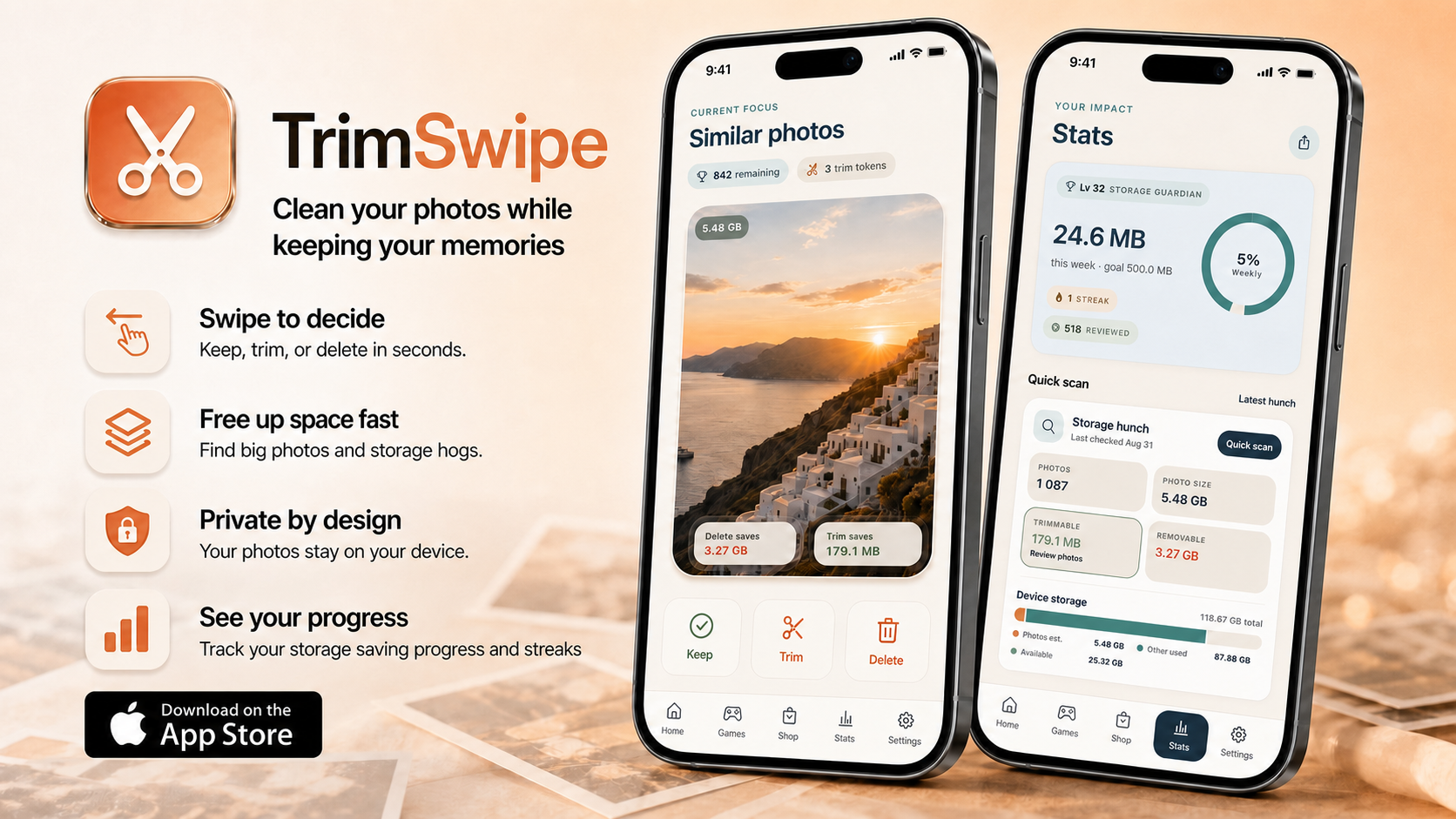
Photo analysis and edits happen on your device. There is no TrimSwipe account to create, and your pictures are never uploaded to our servers.
Read our privacy promiseTrimSwipe is an iPhone photo cleaner that helps you find similar shots, trim oversized files, and reclaim storage with quick, confident swipes.
Private by design
Your photos stay yours.
Three simple moves
Start with similar photos, large files, screenshots, bursts, blurry shots, or older memories.
Keep the favorites, trim heavy files, and mark the rest for deletion—one quick choice at a time.
See the storage impact and confirm your choices. Nothing changes before you say so.
Privacy where it matters
Photo analysis and edits happen on your device. There is no TrimSwipe account to create, and your pictures are never uploaded to our servers.
Read our privacy promiseQuick Scan turns a crowded library into focused cleanup opportunities you can act on.
Shrink oversized photos and remove unnecessary metadata while keeping the visible memory.
Items are only marked during swiping. You make the final call before a photo changes.
Goals, streaks, progress reports, and quick games make small sessions feel rewarding.
Questions, answered
TrimSwipe is built to make every cleanup choice understandable and reversible until your final confirmation.
No. Photo review, matching, trimming, and cleanup decisions happen on your device. TrimSwipe never uploads your camera roll to its own servers.
TrimSwipe creates a smaller, cleaner copy by compressing the file and removing unnecessary metadata such as GPS and camera details, while keeping the visible image.
No. You review the suggestions and confirm every trim or delete action before anything in your library changes.
Yes. TrimSwipe is available for iPhone and iPad and requires iOS or iPadOS 15.1 or later.
Make room for what comes next